Meaningful reports
Date-grouped transaction lists with running balances, calendar and cash-flow reports, and exports to PDF, Excel, HTML, or print.
Track income and expenses, plan budgets, and see where your money goes with reports and charts. No bank login — Bluecoins never stores bank credentials.
Features
Date-grouped transaction lists with running balances, calendar and cash-flow reports, and exports to PDF, Excel, HTML, or print.
Manual and automatic backup and restore to Google Drive, Dropbox, or OneDrive — anyone you share the folder with can enter expenses too.
Watches push notifications from banking apps and SMS and creates the transactions for you — no bank login, ever.
PIN lock with fingerprint or biometric unlock, encrypted backups, and an optional lock on cold start.
Recurring transactions — daily, weekly, monthly, or custom — with automatic logging of due reminders.
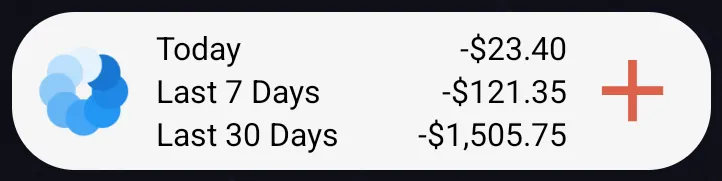
Configurable dashboard cards, five home-screen widgets, and light, dark, or true-black AMOLED themes.
Capabilities
A quick tour of the rest — budgets, balance sheets, credit cards, currencies, import and export, and calendar reports.
minimalist and efficient, with seamless syncing of data across devices…
Showcase
Tap a tab to explore each area of the app.
Configurable dashboard cards — balance sheet, budgets, credit cards, cash flow — plus five home-screen widgets and light, dark, or true-black AMOLED themes.
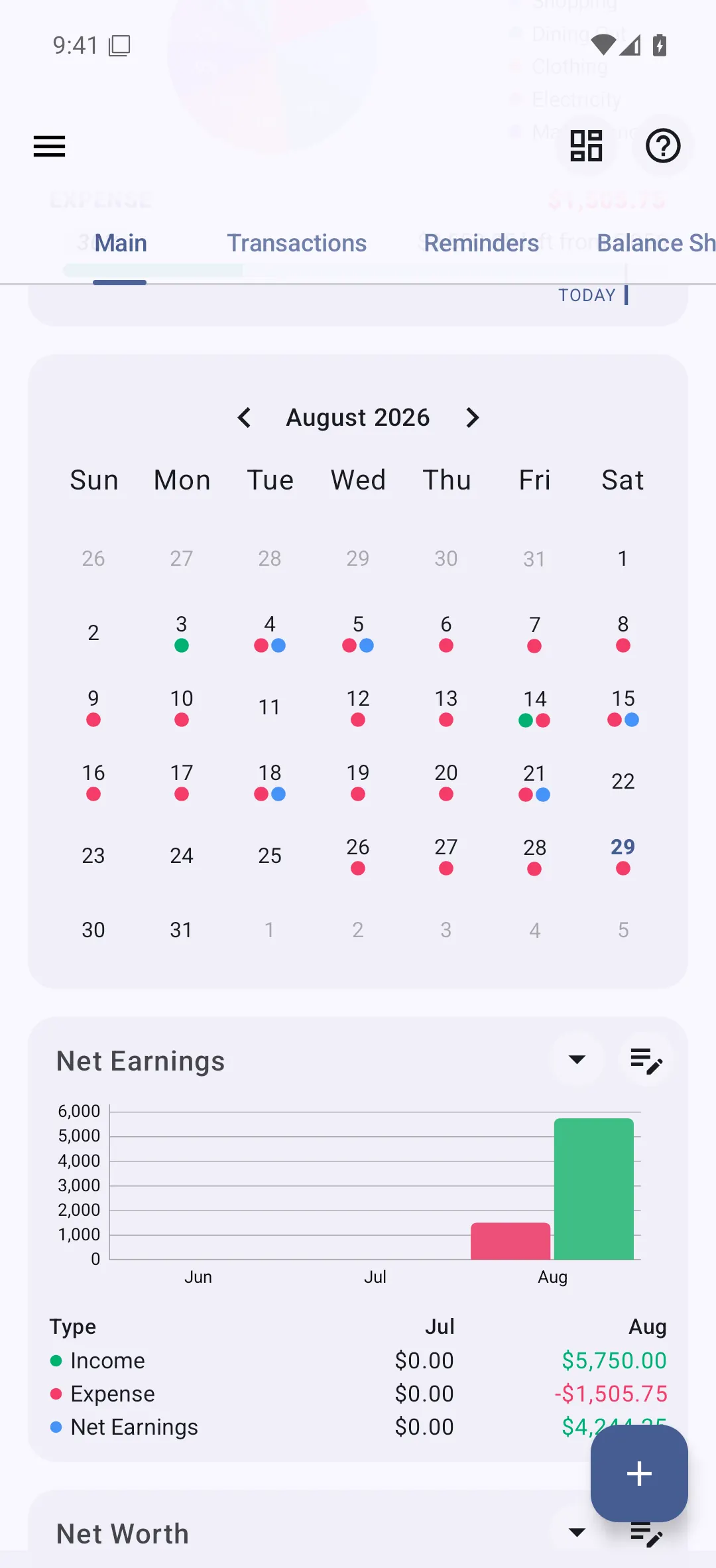
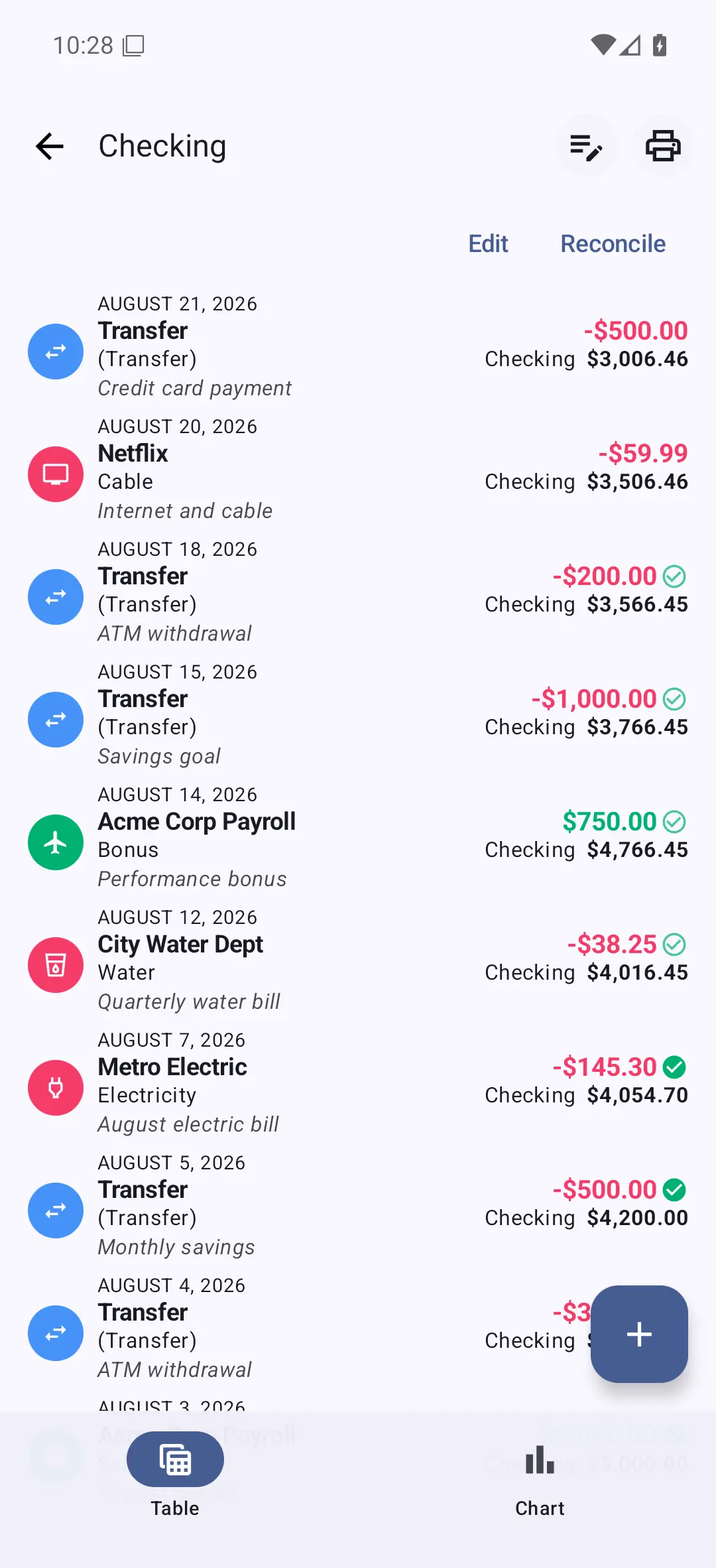
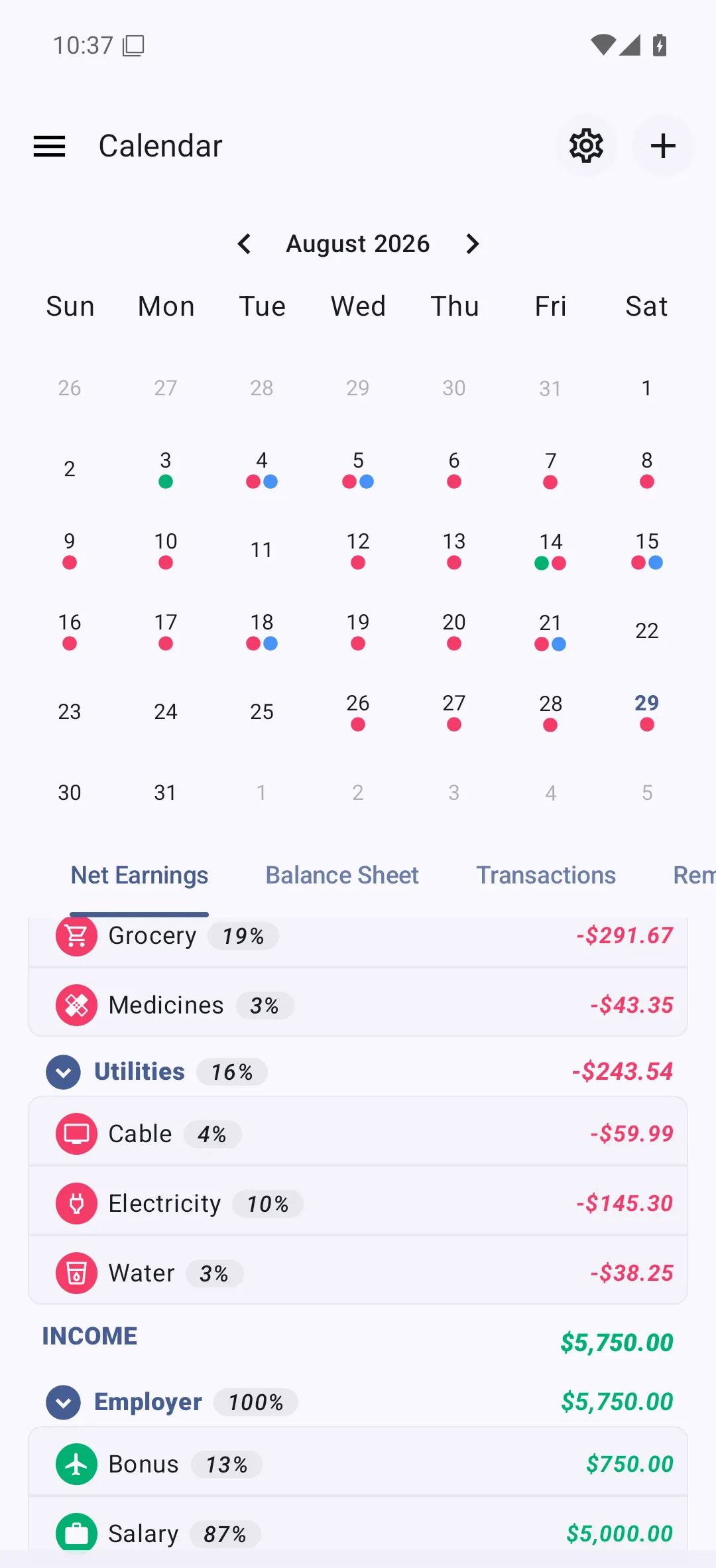
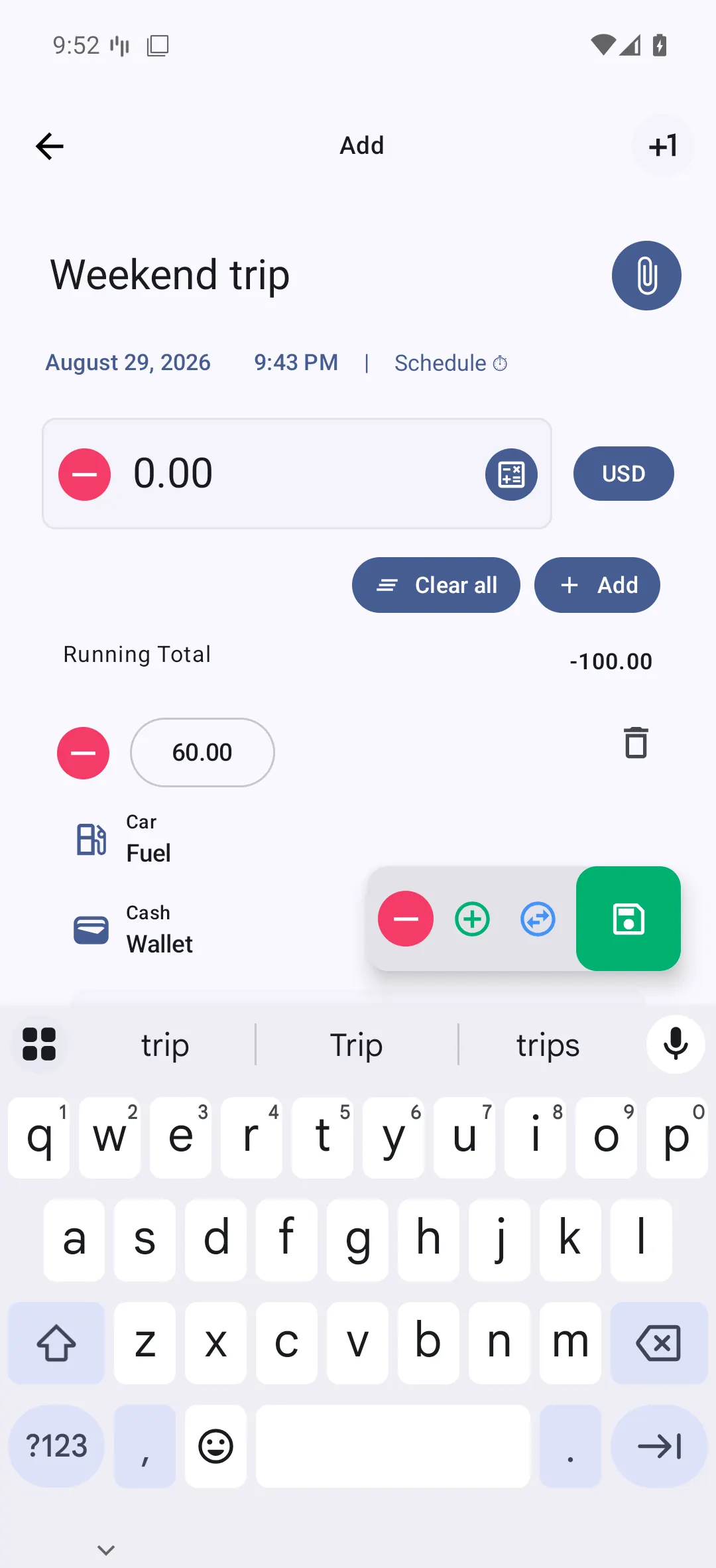
Date-grouped transaction lists with running balances, a monthly calendar report, and a cash-flow timeline with drill-down — exportable to PDF, Excel, or HTML.
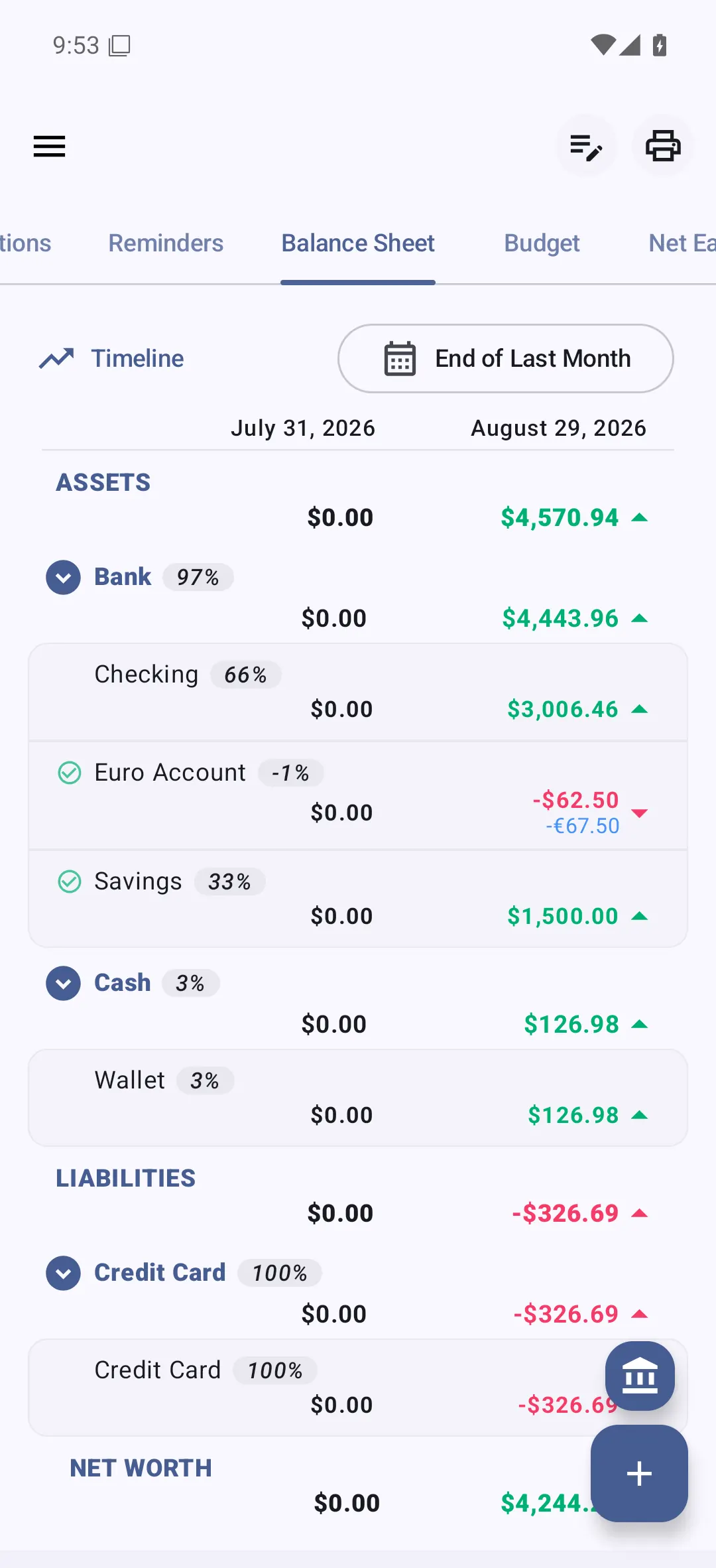
Accounts grouped by type — cash, bank, credit cards, assets, liabilities — with assets, liabilities, and net worth all on one screen.
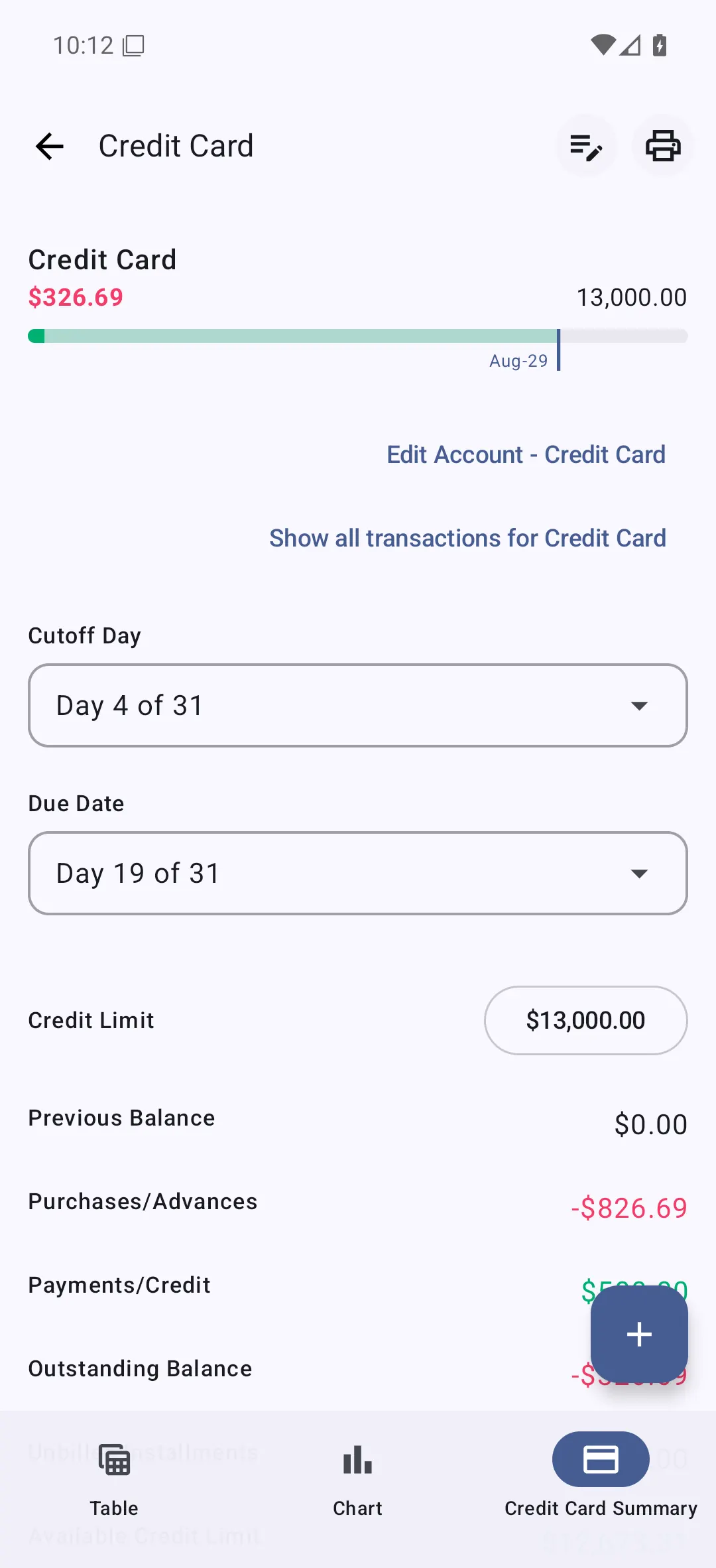
Statement cycles with cutoff and due days, credit limits, outstanding balance and available credit, and unbilled installments — with due-date reminders.
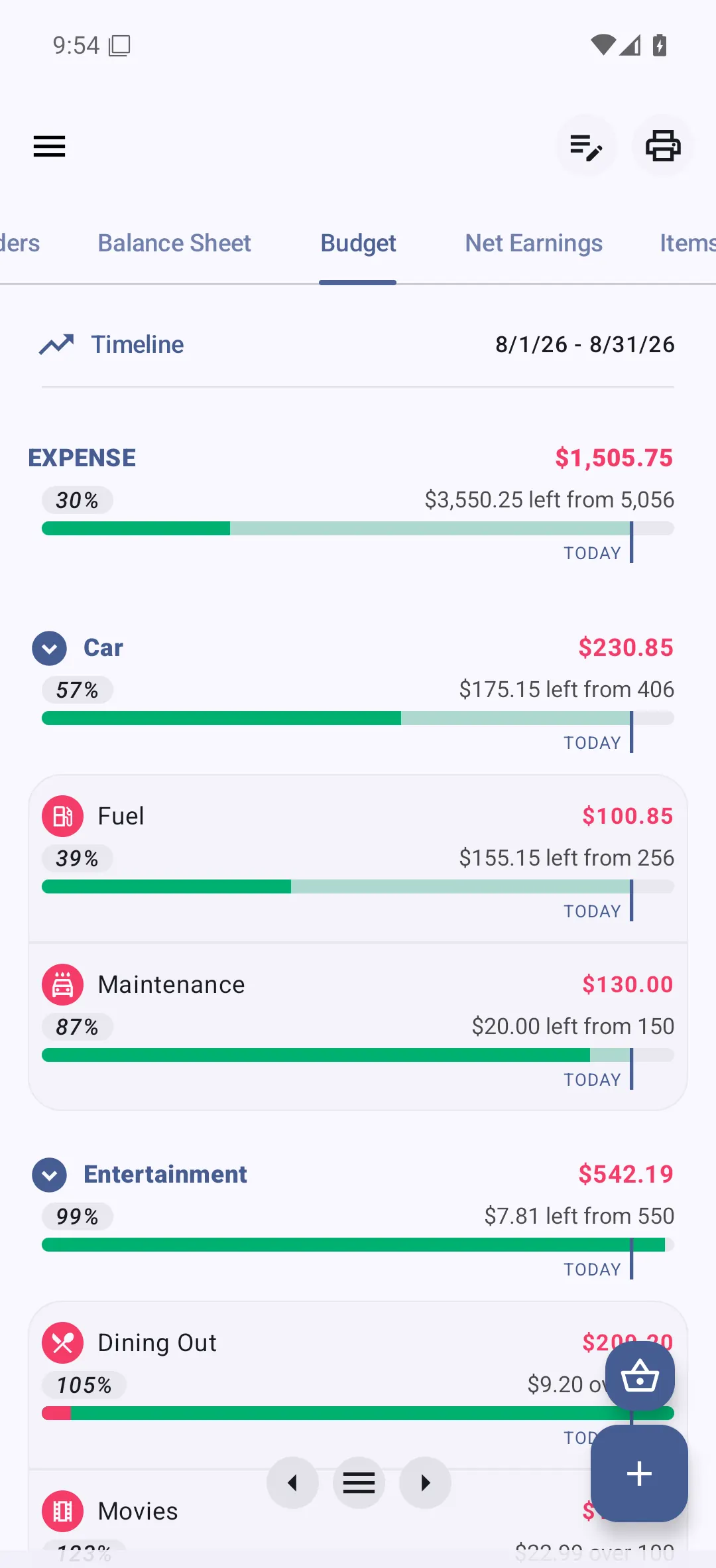
Per-category budgets on weekly, monthly, quarterly, yearly, or custom date ranges, with budget carry-over and a budget-vs-actual report.
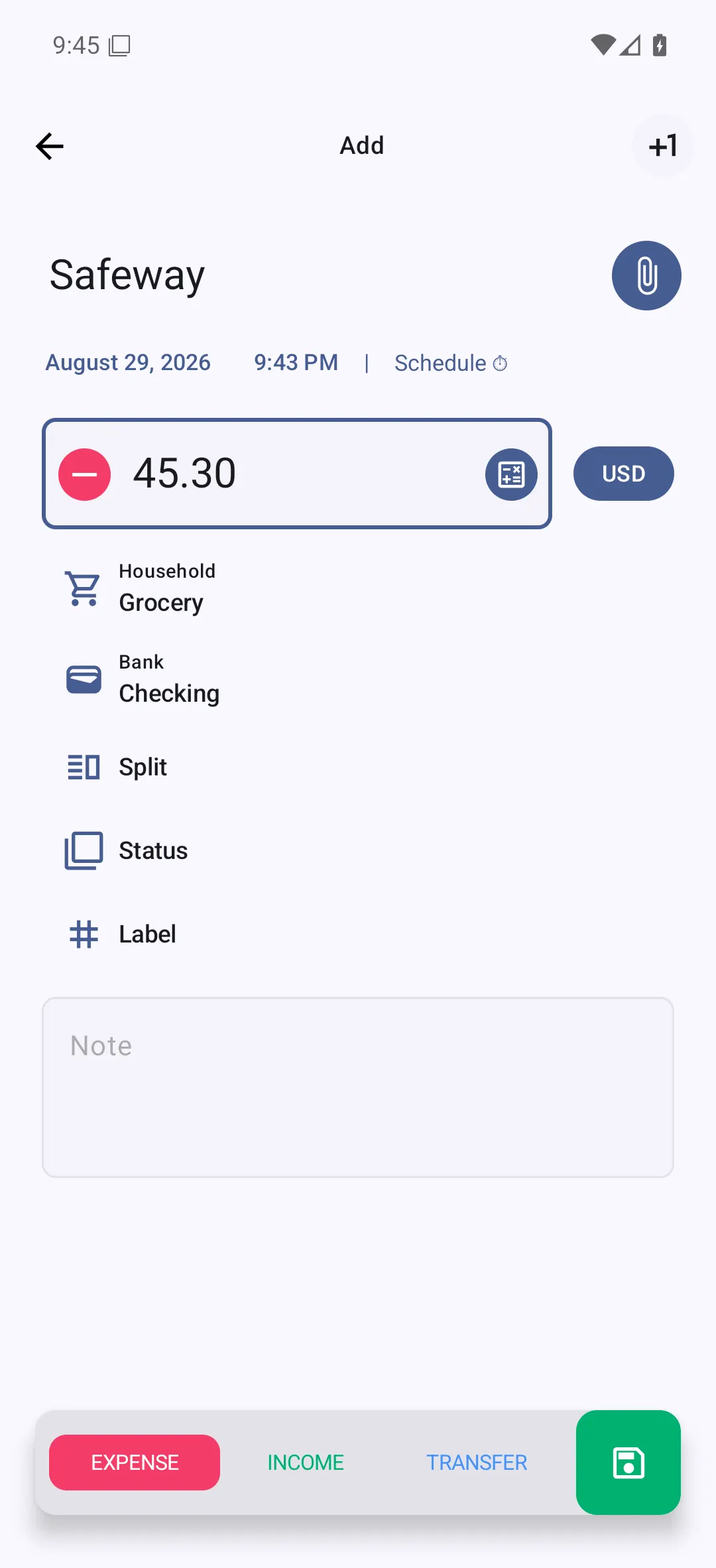
Bluecoins watches push notifications from banking apps and SMS, and creates the transactions for you — no bank login, ever.
Pricing
Bluecoins is free with ads, or ad-free with a one-time Premium purchase — never a subscription.
Free with ads
The app, supported by ads.
One-time
Pay once — not a subscription.
FAQ
Five quick answers — the full FAQ is one page over.
No. Bluecoins never logs into your bank and never stores bank credentials. To save you typing, it can read push notifications from banking apps and SMS and create the transactions for you.
No — Bluecoins is a phone app, and there is no web or desktop version. Your data lives on your device, backs up to your own Google Drive, Dropbox, or OneDrive account, and the app works offline.
Yes. Bluecoins for iOS shipped in December 2022 and is available on the App Store.
Bluecoins is free with ads. Premium is a one-time purchase that removes ads and unlocks the premium features — there is no subscription.
No. Transfers move money between your own accounts and are recorded as transfers — a separate transaction type from income and expenses — so they are not counted as expenses.